What to Put on a Location Page So It Actually Brings You Local Leads
If you want more leads from nearby cities, a location page can work well—but only if it helps a real buyer make a decision. A thin page that just repeats your service and city name usually won’t do much for SEO or conversions.
What a good location page is supposed to do
A strong location page has two jobs:
- Help search engines understand where you work
- Help local visitors feel confident contacting you
That means the page should not be a copy-paste SEO placeholder. It should answer practical questions a person in that area would have, such as:
- Do you actually serve this city or neighborhood?
- What kinds of jobs or cases do you handle there?
- How does your process work for local customers?
- Are there examples, proof, or details that make you credible?
- What is the next step if they want to contact you?
For many small businesses—law firms, clinics, contractors, nonprofits, home services, consultants—location pages can be one of the highest-ROI content types on the site when they’re done well.
When you should create location pages
Location pages make sense when:
- You serve multiple cities, neighborhoods, or regions
- People actually search for your service with a place name
- Your offer, logistics, or trust factors vary somewhat by area
- You want to improve visibility beyond just your main office city
They usually make less sense when:
- You only serve one clearly defined area and already cover it well sitewide
- You can’t add anything unique for each location
- You’re planning to publish dozens of near-duplicate pages just to “have more SEO pages”
That last point matters. Fifty weak city pages can create maintenance headaches and dilute trust. Ten strong ones are often better than a large batch of filler.
What to include on every location page
Here’s the practical structure that works well for small-business websites.
1. A clear headline that matches what the visitor is looking for
Your headline should immediately say:
- what you do
- where you do it
- who it’s for, if relevant
Examples:
- Personal Injury Lawyer Serving Pasadena, CA
- Kitchen Remodeling in Burbank for Homeowners Who Want a Clear Scope and Timeline
- Pediatric Therapy Services for Families in Glendale
Avoid vague headlines like:
- Welcome to Our Pasadena Page
- Trusted Solutions in Burbank
The visitor should know they’re in the right place within seconds.
2. A short intro that confirms service availability
Early on, answer the basic question: Do you serve this area?
Include details like:
- whether you work in that city directly
- whether you meet clients in person, remotely, or both
- what types of customers in that area you typically help
- any service limitations or special logistics
This is also a good place to set expectations. If you only offer certain services in a location, say so.
3. Area-specific details that make the page feel real
This is where many location pages fail. They swap the city name and call it done.
Instead, add useful local context such as:
- neighborhoods you serve
- common project types in that area
- local property types, business types, or customer needs
- travel, scheduling, parking, or on-site visit details
- city-specific regulations or process notes if relevant
Examples:
- A contractor might mention common older-home renovation issues in a neighborhood.
- A law firm might explain how they handle clients who live locally but need remote consultations.
- A clinic might mention appointment availability, insurance considerations, or what nearby families typically ask.
You do not need to force local landmarks into every paragraph. Just make the content genuinely helpful to someone in that area.
4. Services offered in that location
Don’t assume the visitor will navigate elsewhere.
List the services relevant to that location, with short descriptions or links to the full service pages. This helps both users and search engines understand how the location page connects to the rest of your site.
A simple format works well:
- Service A
- Service B
- Service C
If a location is known for one specific need, lead with that one.
5. Trust signals that reduce buyer hesitation
A local visitor is often comparing you with other nearby options. Trust content matters.
Useful trust elements include:
- testimonials from customers in or near that area, if you have them
- relevant certifications, licenses, memberships, or awards
- years in business or team experience
- photos of your team, office, vehicles, or real work
- before-and-after examples or portfolio items related to that type of job
Be careful not to overstate local presence. If you don’t have an office in that city, don’t imply that you do.
Should you include an address and map?
Sometimes yes, sometimes no.
Include an address and map if:
- you have a real office there
- customers visit that location
- it helps the visitor take the next step
If you do not have an office in that city, don’t use a fake address or virtual-office setup just to make the page look more local. That can create trust issues and may cause local SEO problems.
If you serve the city without a local office, say that clearly. For example:
> We serve clients throughout Pasadena and surrounding areas from our Los Angeles office, with phone, video, and on-site appointments available depending on the service.
That’s honest and still useful.
Add FAQs that answer local buying questions
A good location page FAQ can improve conversions because it addresses hesitation right when the person is evaluating options.
Examples:
- Do you serve all of Pasadena or only certain neighborhoods?
- How quickly can you schedule service in Burbank?
- Do I need to come into the office, or can this be handled remotely?
- What types of projects do you usually handle in Glendale?
- Do you work with insurance / financing / emergency calls in this area?
Keep the answers short, direct, and specific.
Use a CTA that matches local intent
The page should make the next step easy.
Strong calls to action include:
- Request a consultation
- Call now
- Get a quote
- Check availability
- Book an appointment
You can also make the CTA more location-aware:
- Need service in Pasadena? Request a consultation.
- Looking for a Burbank remodeling estimate? Get in touch.
The main goal is clarity, not cleverness.
What to avoid on location pages
If you want these pages to bring in customers instead of just taking up space, avoid the common mistakes.
Don’t publish duplicate city pages
If every page says the exact same thing except the city name, it’s weak for SEO and weak for users.
Don’t overstuff keywords
Phrases like “best plumber in Pasadena CA” repeated ten times make the page feel spammy.
Write naturally and focus on buyer questions.
Don’t create pages for places you barely serve
If you can’t realistically take work there, the page will create poor leads and wasted time.
Don’t hide the real service area
Be honest about where you work, how far you travel, and whether you have a local office.
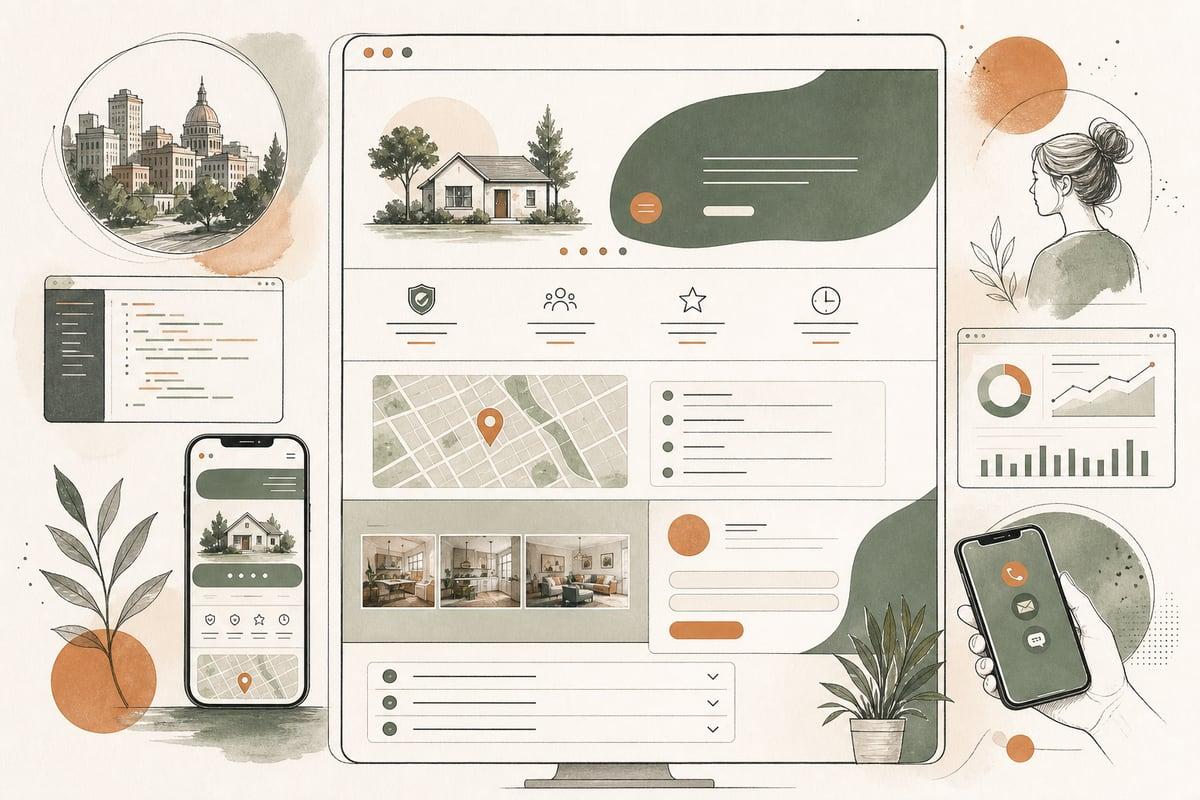
A simple location page template
Here’s a practical structure you can use:
- Headline: Service + location
- Intro: Confirm you serve the area and who you help
- Local details: Neighborhoods, project types, logistics, common needs
- Relevant services: Short list with internal links
- Why choose you: Experience, process, differentiators
- Trust signals: Reviews, credentials, photos, examples
- FAQ: Local questions and answers
- CTA: Call, quote, consultation, booking
This works whether you’re on WordPress or a custom/headless site.
How many location pages should a small business start with?
Usually, start with the places that matter most:
- your primary city
- the next 3–10 cities that produce real business
- locations with different buyer needs or strong search demand
You do not need to launch a giant location-page library all at once.
A smarter approach is to build a smaller set of high-quality pages, monitor which ones attract impressions, clicks, and leads, and then expand intentionally.
The real ROI question
A location page is worth creating if it helps you do at least one of these:
- show up for the right local searches
- get more qualified calls or form submissions
- reduce confusion about where you work
- help buyers trust that you’re a good fit
If it’s only there to increase page count, it’s probably not helping much.
For most small businesses, the best-performing location pages are not the ones with the most SEO tricks. They’re the ones that make it easy for a local prospect to say, “Yes, this company serves my area and understands what I need.”
Frequently asked questions
Do location pages help SEO?
Yes, they can—especially when people search for your service plus a city or neighborhood. But they need unique, useful content to work well.
Should every city get its own page?
No. Focus on the cities that bring real business or have real search demand. A smaller number of stronger pages is usually better.
Can I make a location page if I don’t have an office there?
Yes, as long as you genuinely serve that area and clearly explain how service works. Don’t pretend you have a local office if you don’t.
How long should a location page be?
Long enough to answer buyer questions and show local relevance. In many cases, 500–1,000 strong words is better than a longer page full of filler.
What’s the biggest location-page mistake?
Publishing near-duplicate pages with swapped city names. That creates weak content and doesn’t help visitors trust you.
If you want help planning location pages that actually bring in better local leads, you can book a free consultation at https://webmasterandmore.com/consultation.